> ## Documentation Index
> Fetch the complete documentation index at: https://docs.znapai.com/llms.txt
> Use this file to discover all available pages before exploring further.
# Cline
> How to configure the Cline CLI and extension to use ZnapAI.
## Overview
Cline is a powerful autonomous coding agent. By routing Cline through ZnapAI, you can power its capabilities with the most advanced language models available.
## Prerequisites
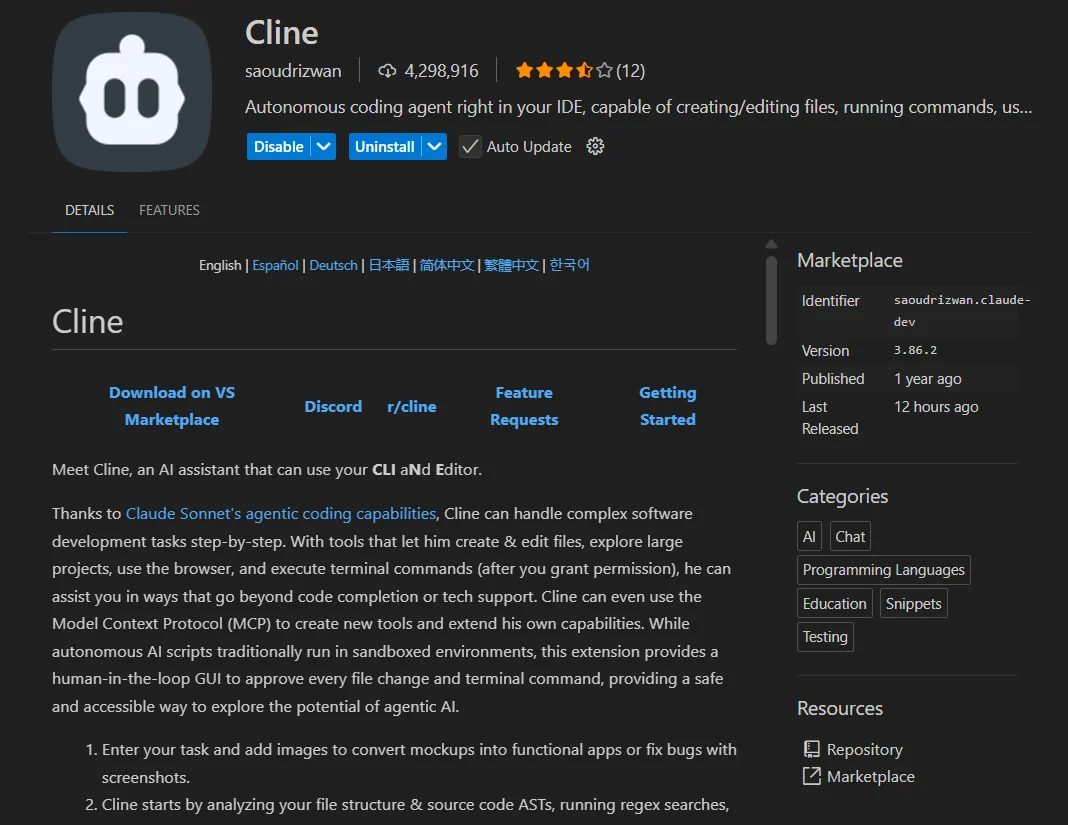
* Ensure you have the **Cline** extension installed in your editor or via the CLI.
 ## Configuration Steps
In the Cline settings panel:
1. Set the **API Provider** to `OpenAI Compatible`.
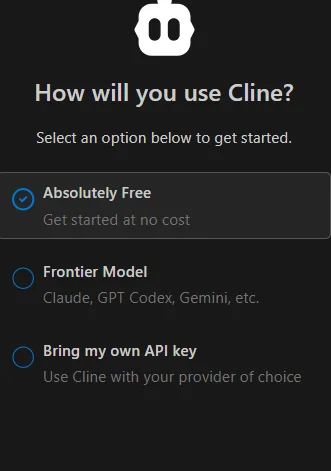
2. Choose the option **Bring my own API keys**.
3. Set the **Base URL** to `https://api.znapai.com/`.
4. Enter your **API Key**.
5. Enter the model name you wish to use (e.g., `claude-3-5-sonnet` or `gpt-4o`).
## Configuration Steps
In the Cline settings panel:
1. Set the **API Provider** to `OpenAI Compatible`.
2. Choose the option **Bring my own API keys**.
3. Set the **Base URL** to `https://api.znapai.com/`.
4. Enter your **API Key**.
5. Enter the model name you wish to use (e.g., `claude-3-5-sonnet` or `gpt-4o`).
 ## Base URL
Use the standard ZnapAI endpoint:
```text theme={null}
https://api.znapai.com/
```
## API Key Setup
Your API Key can be generated from your ZnapAI dashboard. Keep it secure and paste it into the API Key field.
## Example Configuration
```bash CLI Example theme={null}
export CLINE_API_BASE="https://api.znapai.com/"
export CLINE_API_KEY="sk-znapai-..."
cline start --model claude-3-5-sonnet
```
## Troubleshooting
* **Model Not Found**: Make sure you type the exact model ID as specified in the ZnapAI models page.
* **Network Error**: Double-check that your Base URL does not include `/chat/completions` at the end, just `/v1`.
## Base URL
Use the standard ZnapAI endpoint:
```text theme={null}
https://api.znapai.com/
```
## API Key Setup
Your API Key can be generated from your ZnapAI dashboard. Keep it secure and paste it into the API Key field.
## Example Configuration
```bash CLI Example theme={null}
export CLINE_API_BASE="https://api.znapai.com/"
export CLINE_API_KEY="sk-znapai-..."
cline start --model claude-3-5-sonnet
```
## Troubleshooting
* **Model Not Found**: Make sure you type the exact model ID as specified in the ZnapAI models page.
* **Network Error**: Double-check that your Base URL does not include `/chat/completions` at the end, just `/v1`.