> ## Documentation Index
> Fetch the complete documentation index at: https://docs.znapai.com/llms.txt
> Use this file to discover all available pages before exploring further.
# Roo Code
> How to configure the Roo Code extension to use ZnapAI.
## Overview
Roo Code is an advanced AI coding assistant that integrates directly into your IDE. By connecting Roo Code to ZnapAI, you gain access to our extensive model selection seamlessly.
## Prerequisites
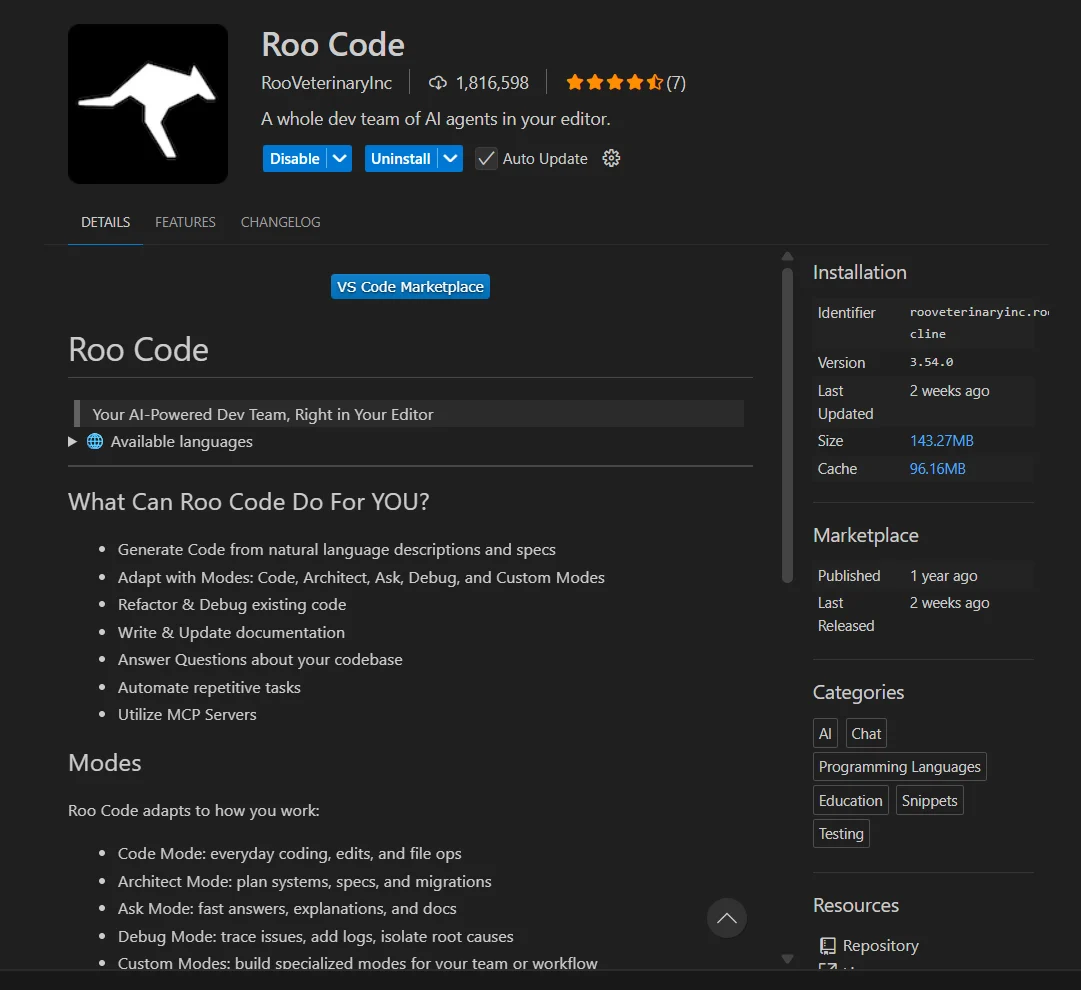
* Ensure you have the **Roo Code** extension installed in your IDE.
 ## Configuration Steps
Follow these steps to configure the extension:
1. Open Roo Code settings.
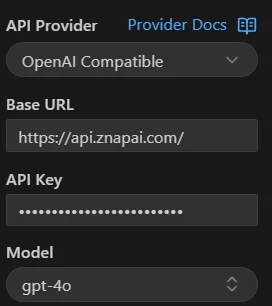
2. Select **OpenAI Compatible** as the API Provider.
3. Enter the **Base URL**: `https://api.znapai.com/`
4. Enter your **ZnapAI API Key**.
5. Select your desired model.
## Configuration Steps
Follow these steps to configure the extension:
1. Open Roo Code settings.
2. Select **OpenAI Compatible** as the API Provider.
3. Enter the **Base URL**: `https://api.znapai.com/`
4. Enter your **ZnapAI API Key**.
5. Select your desired model.
 ## Base URL
Use the following Base URL for OpenAI compatible providers:
```text theme={null}
https://api.znapai.com/
```
## API Key Setup
You can find your API key in the ZnapAI dashboard under the API Keys section. Paste it into the API Key field in Roo Code.
## Example Configuration
```json settings.json theme={null}
{
"rooCode.apiProvider": "OpenAI Compatible",
"rooCode.baseUrl": "https://api.znapai.com/",
"rooCode.apiKey": "sk-znapai-..."
}
```
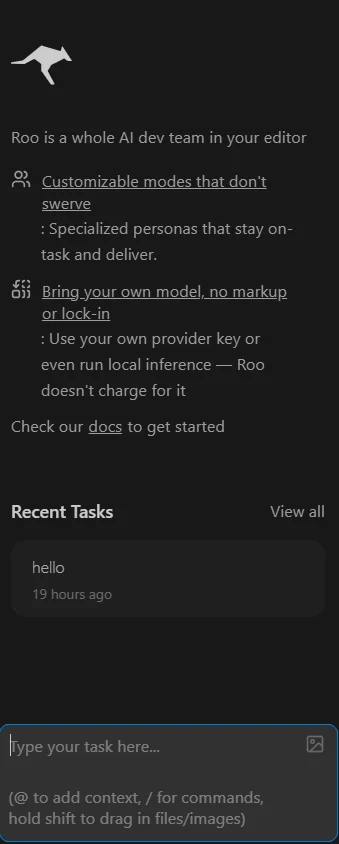
Once configured, you can start using the Roo Code chat window to interact with ZnapAI models.
## Base URL
Use the following Base URL for OpenAI compatible providers:
```text theme={null}
https://api.znapai.com/
```
## API Key Setup
You can find your API key in the ZnapAI dashboard under the API Keys section. Paste it into the API Key field in Roo Code.
## Example Configuration
```json settings.json theme={null}
{
"rooCode.apiProvider": "OpenAI Compatible",
"rooCode.baseUrl": "https://api.znapai.com/",
"rooCode.apiKey": "sk-znapai-..."
}
```
Once configured, you can start using the Roo Code chat window to interact with ZnapAI models.
 ## Troubleshooting
* **Connection Error**: Ensure there you enter correct Base URL.
* **Authentication Failed**: Verify that your API Key is active in the ZnapAI dashboard.
## Notes
* Roo Code supports all models listed under the ZnapAI OpenAI-compatible endpoint.
## Troubleshooting
* **Connection Error**: Ensure there you enter correct Base URL.
* **Authentication Failed**: Verify that your API Key is active in the ZnapAI dashboard.
## Notes
* Roo Code supports all models listed under the ZnapAI OpenAI-compatible endpoint.