
Overview
Cline is a powerful autonomous coding agent. By routing Cline through ZnapAI, you can power its capabilities with the most advanced language models available.Prerequisites
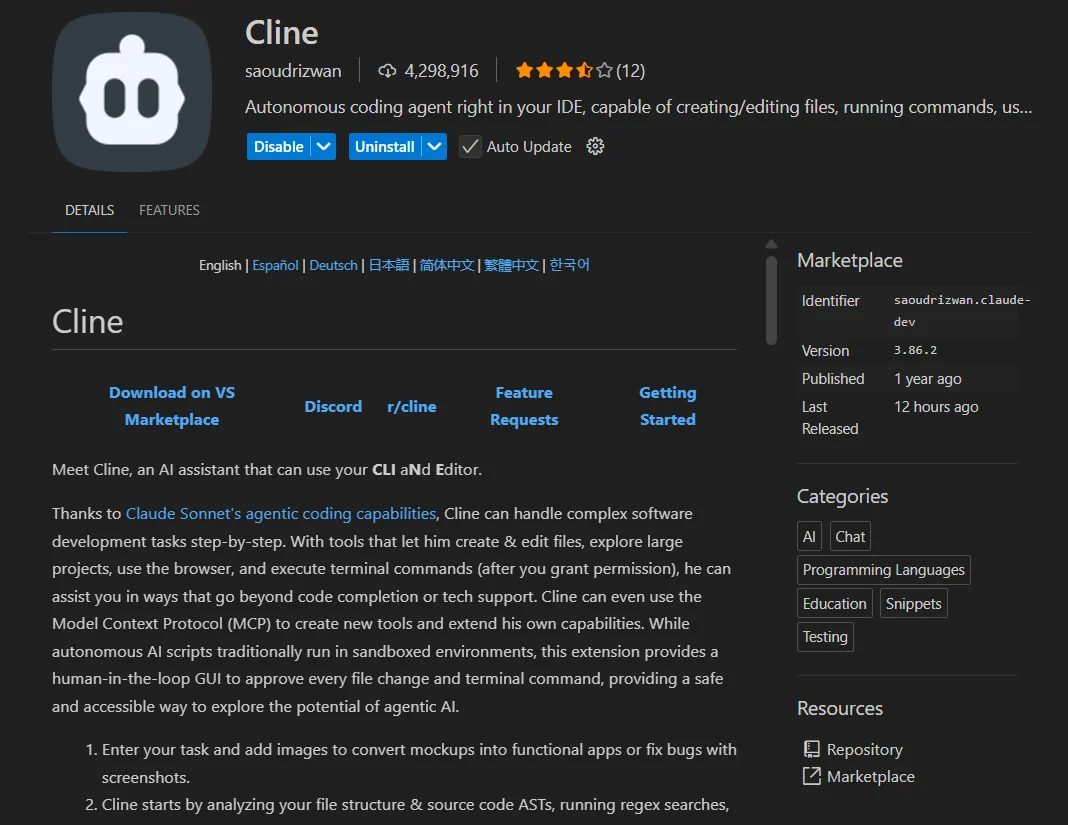
- Ensure you have the Cline extension installed in your editor or via the CLI.
Configuration Steps
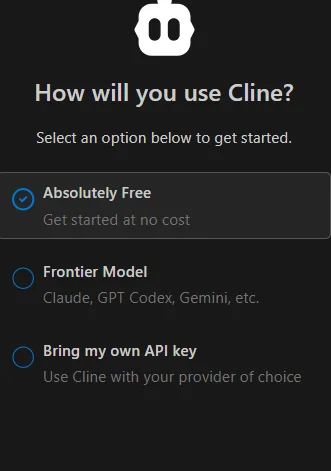
In the Cline settings panel:- Set the API Provider to
OpenAI Compatible. - Choose the option Bring my own API keys.
- Set the Base URL to
https://api.znapai.com/. - Enter your API Key.
- Enter the model name you wish to use (e.g.,
claude-3-5-sonnetorgpt-4o).
Base URL
Use the standard ZnapAI endpoint:API Key Setup
Your API Key can be generated from your ZnapAI dashboard. Keep it secure and paste it into the API Key field.Example Configuration
Troubleshooting
- Model Not Found: Make sure you type the exact model ID as specified in the ZnapAI models page.
- Network Error: Double-check that your Base URL does not include
/chat/completionsat the end, just/v1.