
Overview
OpenCode is a collaborative web-based coding environment. Connecting OpenCode to ZnapAI unlocks premium code generation models directly within your web editor.Prerequisites
- An active OpenCode account.
Installation
Step 1: Install OpenCode
Download OpenCode from https://opencode.ai/download. Alternatively, the recommended installation method is via npm:Step 2: Launch OpenCode
Start OpenCode by running: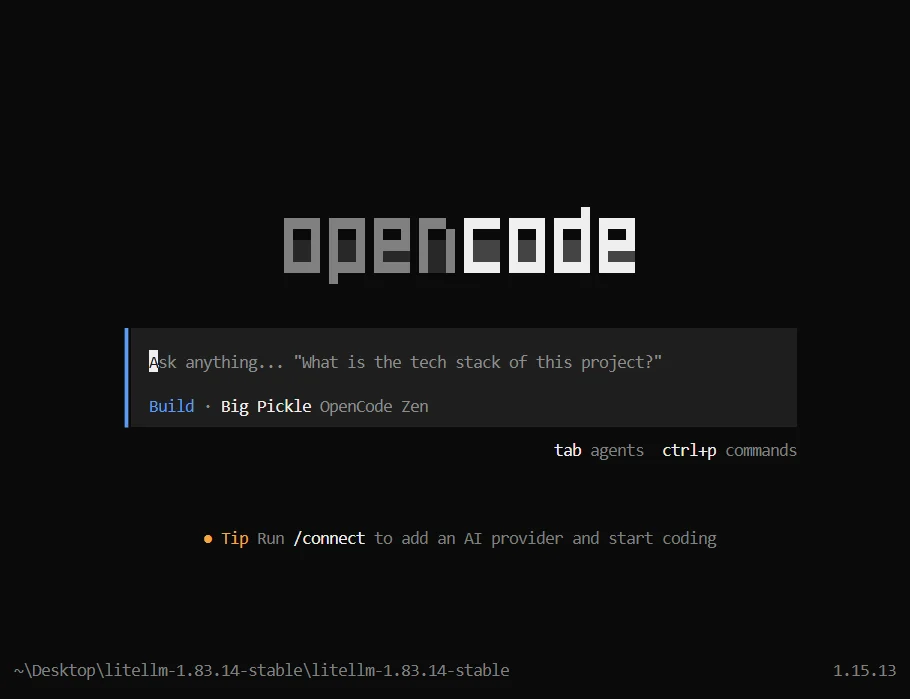
Step 3: Understanding Provider Setup
Running the/connect command only configures built-in providers. To use ZnapAI, you must use the Custom AI Provider settings.
Configuration Steps
- Open your OpenCode settings.
- Navigate to the Custom AI Provider section.
- Input the Base URL:
https://api.znapai.com/ - Provide your API Key to authenticate.
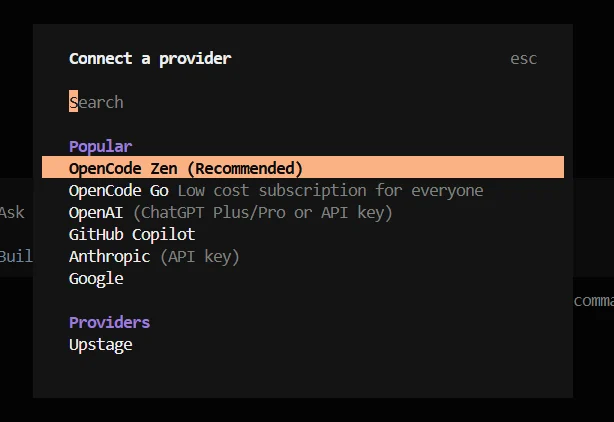
Base URL
API Key Setup
Copy your key from the ZnapAI console and paste it into the secure API Key input in OpenCode.Example Configuration
By default, the OpenCode configuration file contains:config.json
YOUR_API_KEY with your actual ZnapAI credentials.
Troubleshooting
- If OpenCode fails to generate responses, check your balance on the ZnapAI dashboard.
- Verify your network allows outbound requests to
api.znapai.com.
Notes
- OpenCode’s chat features are fully supported via the standard completions API format.