
Overview
Roo Code is an advanced AI coding assistant that integrates directly into your IDE. By connecting Roo Code to ZnapAI, you gain access to our extensive model selection seamlessly.Prerequisites
- Ensure you have the Roo Code extension installed in your IDE.
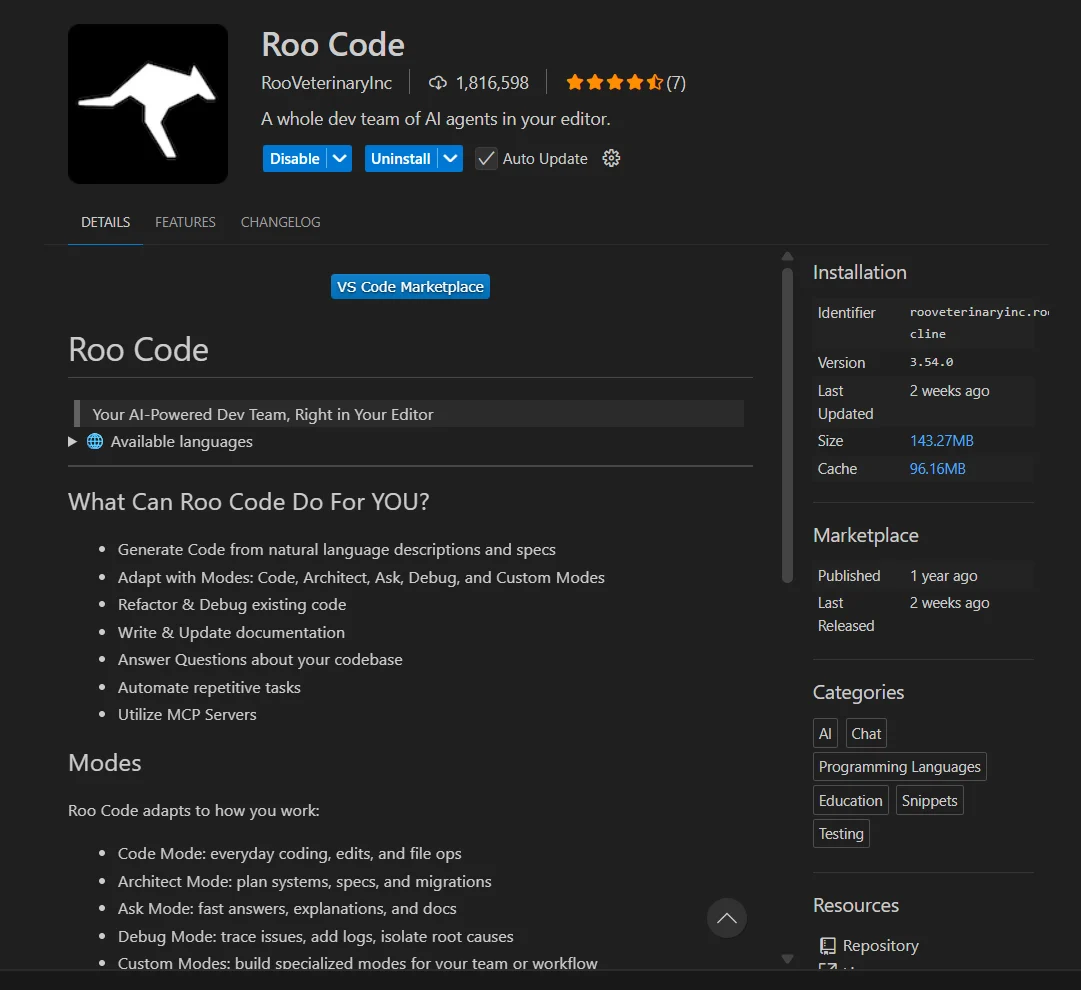
Configuration Steps
Follow these steps to configure the extension:- Open Roo Code settings.
- Select OpenAI Compatible as the API Provider.
- Enter the Base URL:
https://api.znapai.com/ - Enter your ZnapAI API Key.
- Select your desired model.
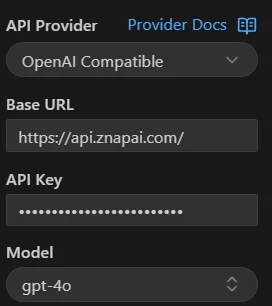
Base URL
Use the following Base URL for OpenAI compatible providers:API Key Setup
You can find your API key in the ZnapAI dashboard under the API Keys section. Paste it into the API Key field in Roo Code.Example Configuration
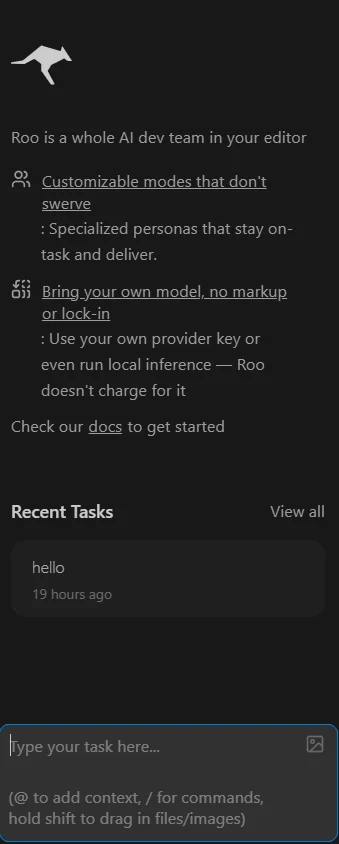
Troubleshooting
- Connection Error: Ensure there you enter correct Base URL.
- Authentication Failed: Verify that your API Key is active in the ZnapAI dashboard.
Notes
- Roo Code supports all models listed under the ZnapAI OpenAI-compatible endpoint.